
Legacy modernization · Education technology · 2026
EvAAL Tools
An assistive-technology evaluation for students, rebuilt from a WordPress site and a patched-together PHP app into one fast, accessible SvelteKit app that the client now runs herself with AI agents.

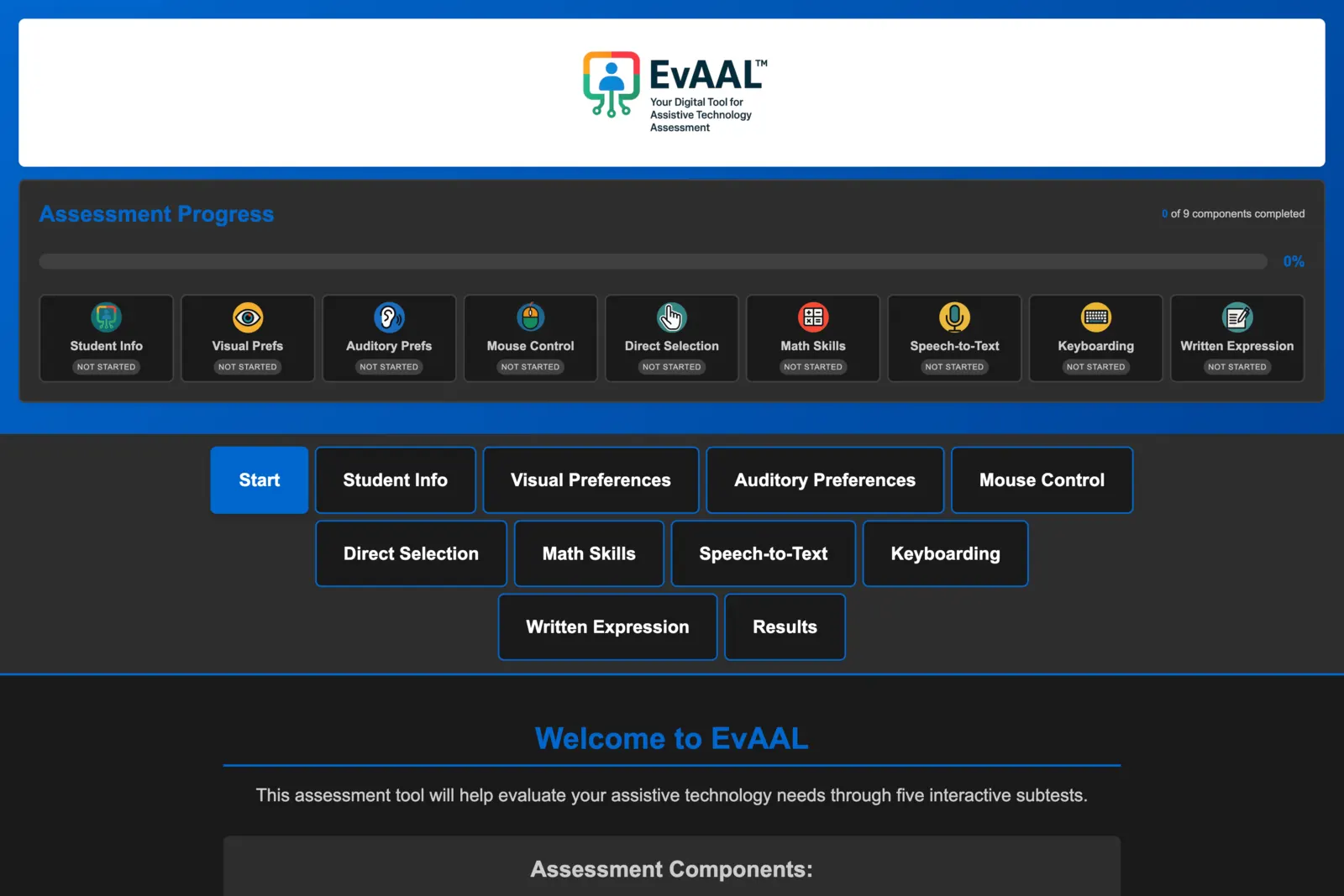
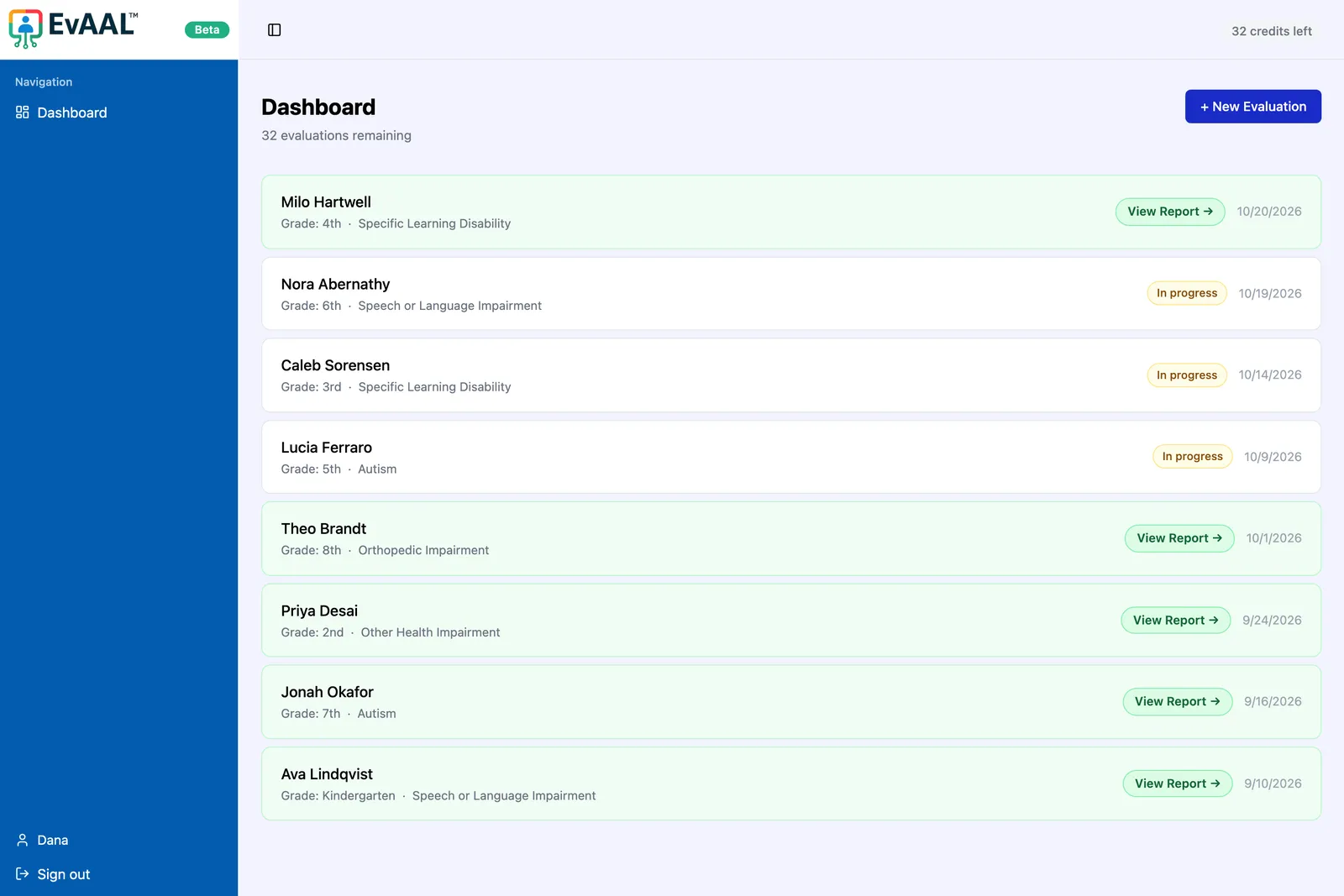
- Client
- EvAAL Tools · Dr. Kelly Dunn, EdD
- Role
- Migration strategy, UX & UI design, engineering, client handoff
- Before
- WordPress site + separate PHP app on Hostinger
- After
- One SvelteKit app on Cloudflare with Supabase, Stripe and Resend
- 2 → 1 WordPress site and PHP app consolidated into one modern app
- 48 hours to a working rebuild of the site, accounts and subtests, then weeks of testing
- 82 → 100 Lighthouse accessibility score on mobile
- 2.3s → 1.0s to show the homepage’s main content on desktop
The problem
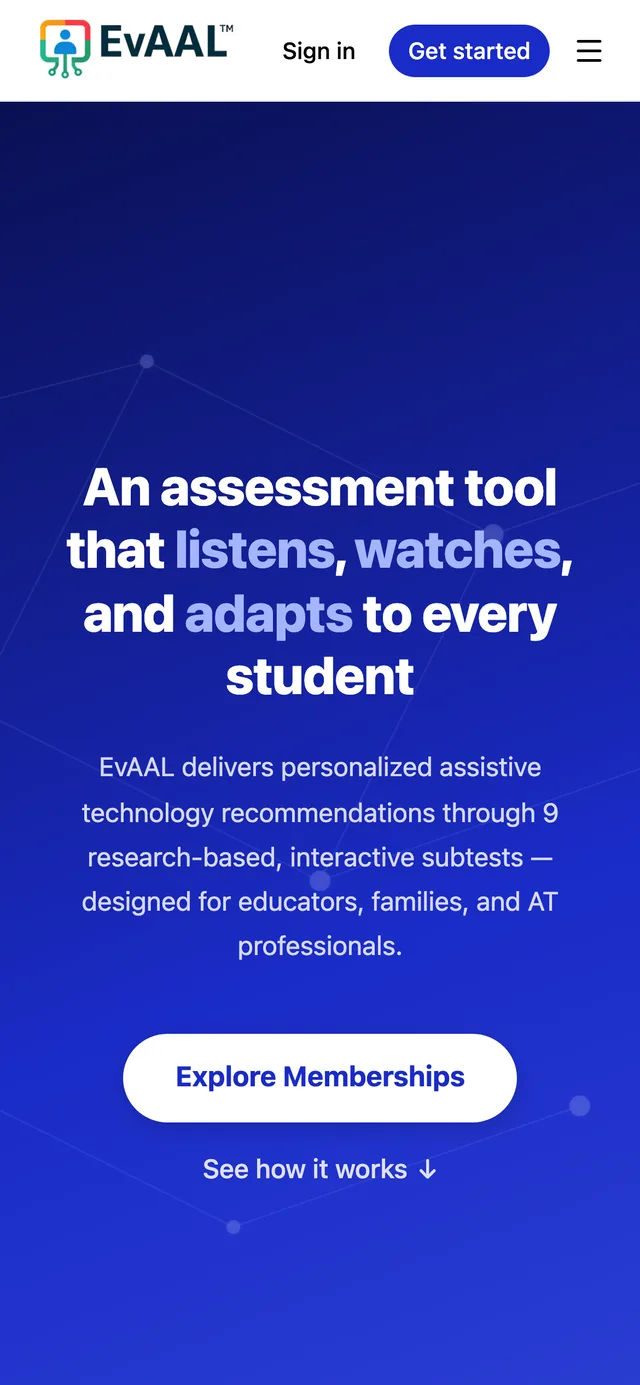
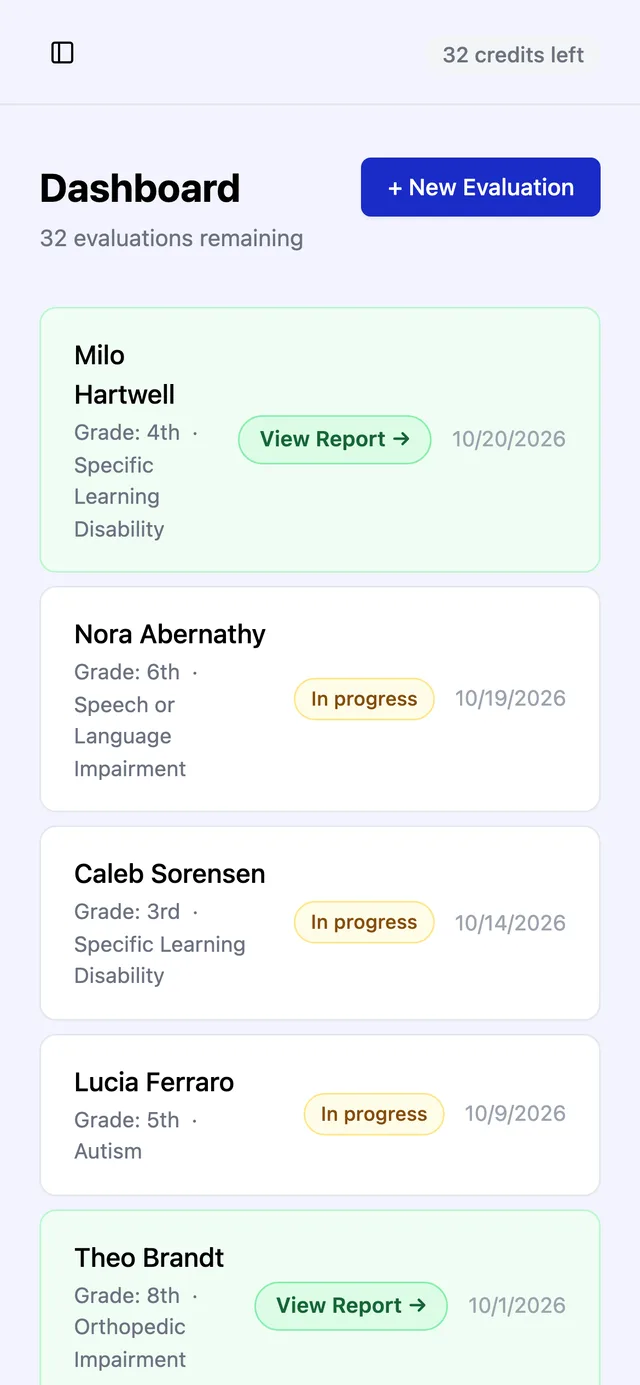
EvAAL (Evaluating Adaptive & Assistive Learning) helps IEP teams, schools and families find the right assistive technology for a student. An evaluator walks the student through interactive subtests, from mouse control to speech-to-text, and EvAAL writes a report with personalized recommendations.
The product was strong, but it ran on two disconnected systems: a WordPress marketing site, and a separate PHP app on a Hostinger subdomain. The app was cobbled together from about 20,000 lines of plain JavaScript with no framework, a homemade login system and an unfinished two-factor sign-in. Every fix risked breaking another subtest.
Then their Stripe key was exposed and Stripe shut down the account, so EvAAL couldn't sell licenses. Nothing was hacked, but the setup had become a liability.
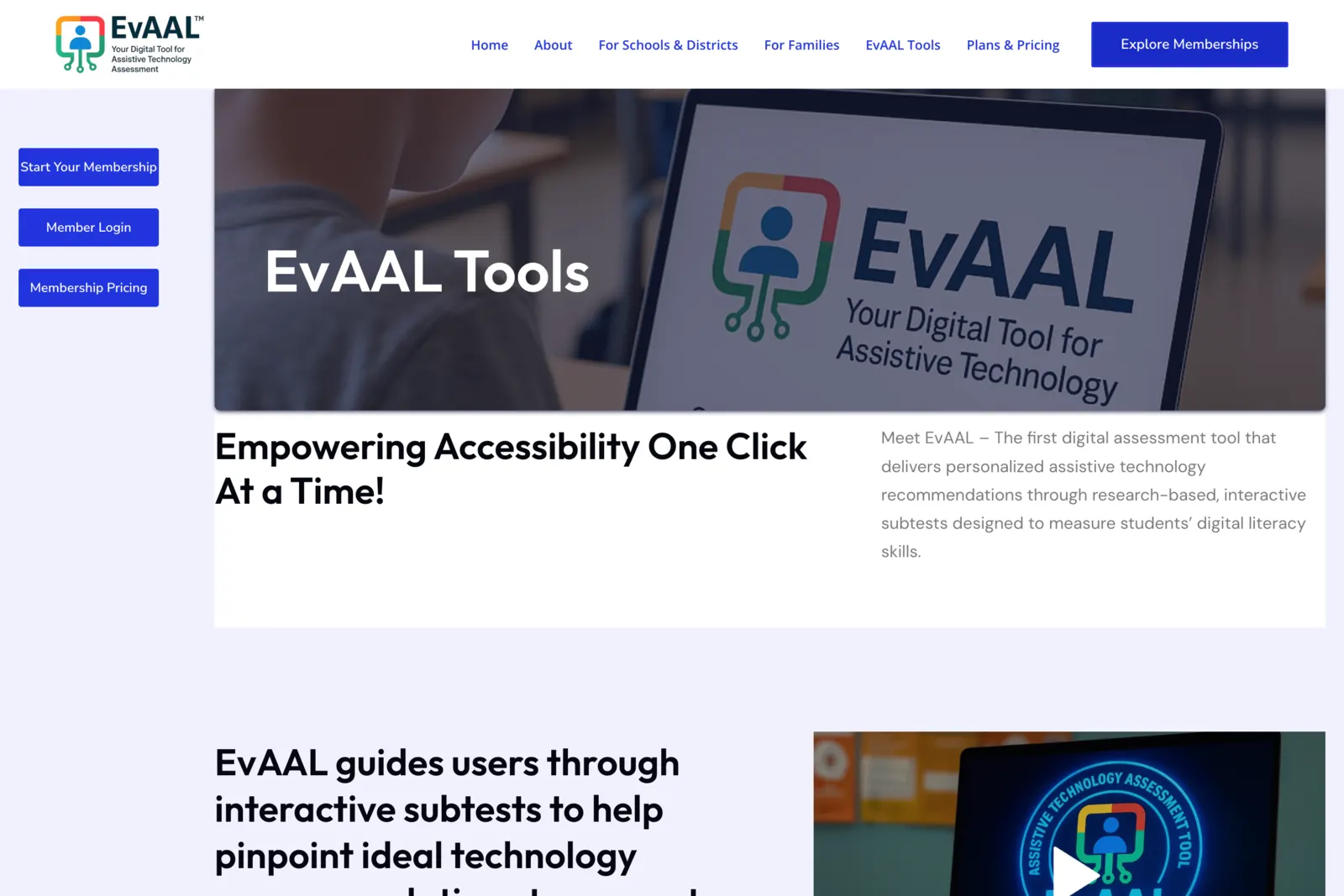
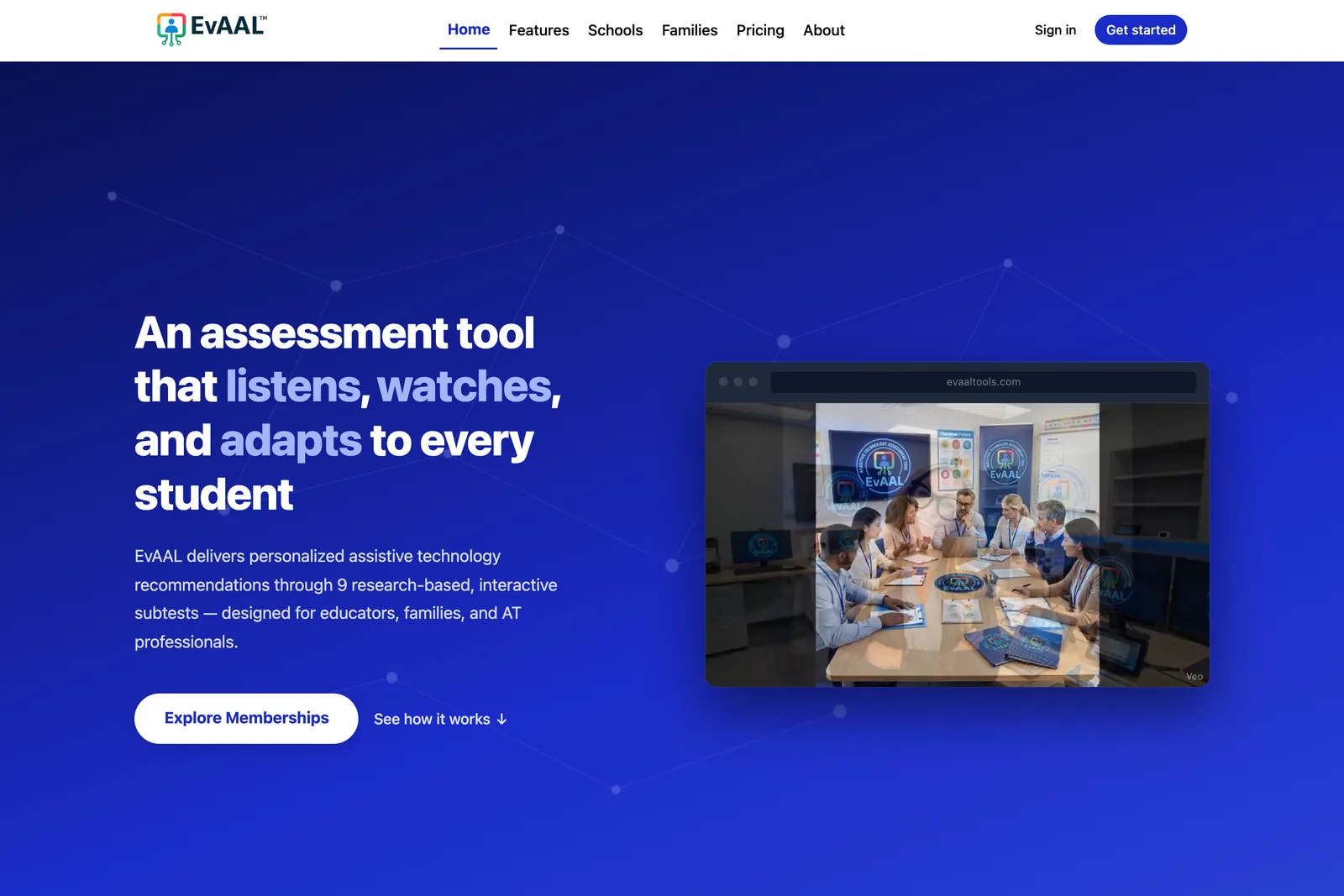
Two systems, one app
We rebuilt everything as a single SvelteKit app: the marketing pages, accounts and licensing, all the subtests and the final report live in one codebase with one deploy. It runs on Cloudflare, with Supabase for the database and sign-in, Stripe Checkout for licenses, and Resend for email. A separate staging site with test payments lets every change be checked before it goes live.
The core rebuild came together in the first 48 hours: two marathon days. That's the payoff of designing in code with AI agents doing the heavy lifting and a designer making the calls. Then came what matters most for a tool schools rely on: weeks of careful testing with the client before launch.
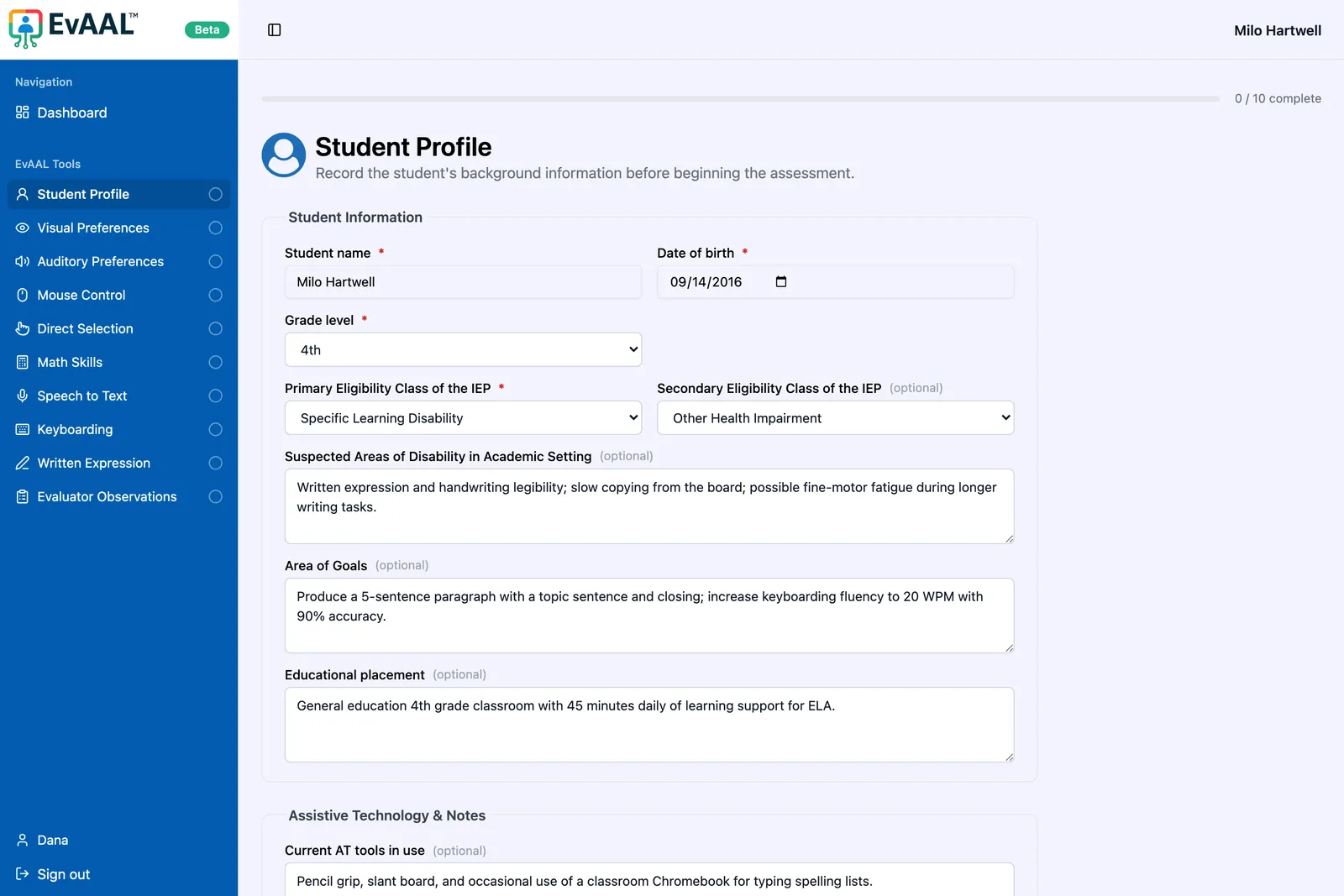
 Student profile
 Visual preferences
 Auditory preferences
 Mouse control
 Direct selection
 Math skills
 Speech to text
 Keyboarding
 Written expression
Accessibility is the product
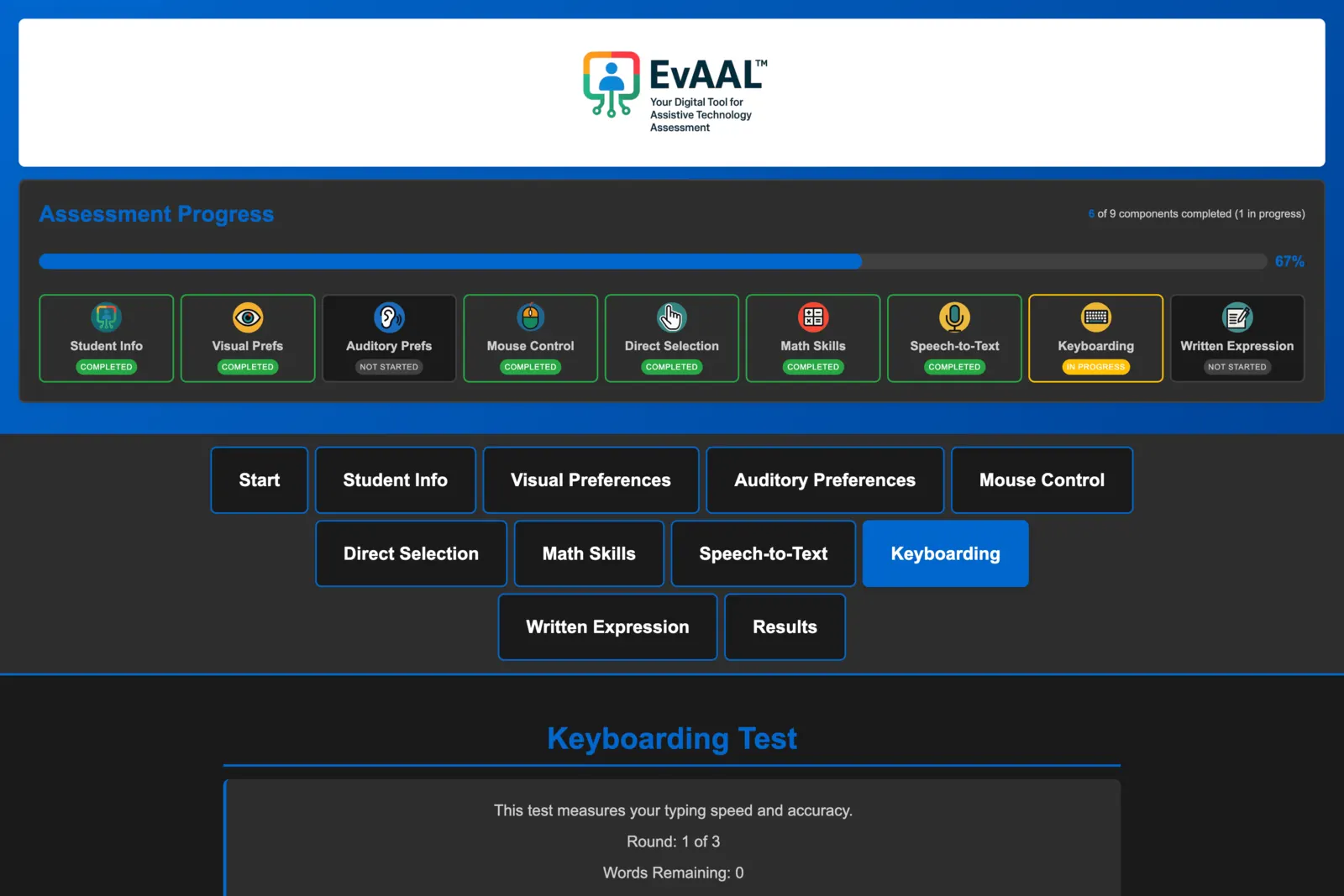
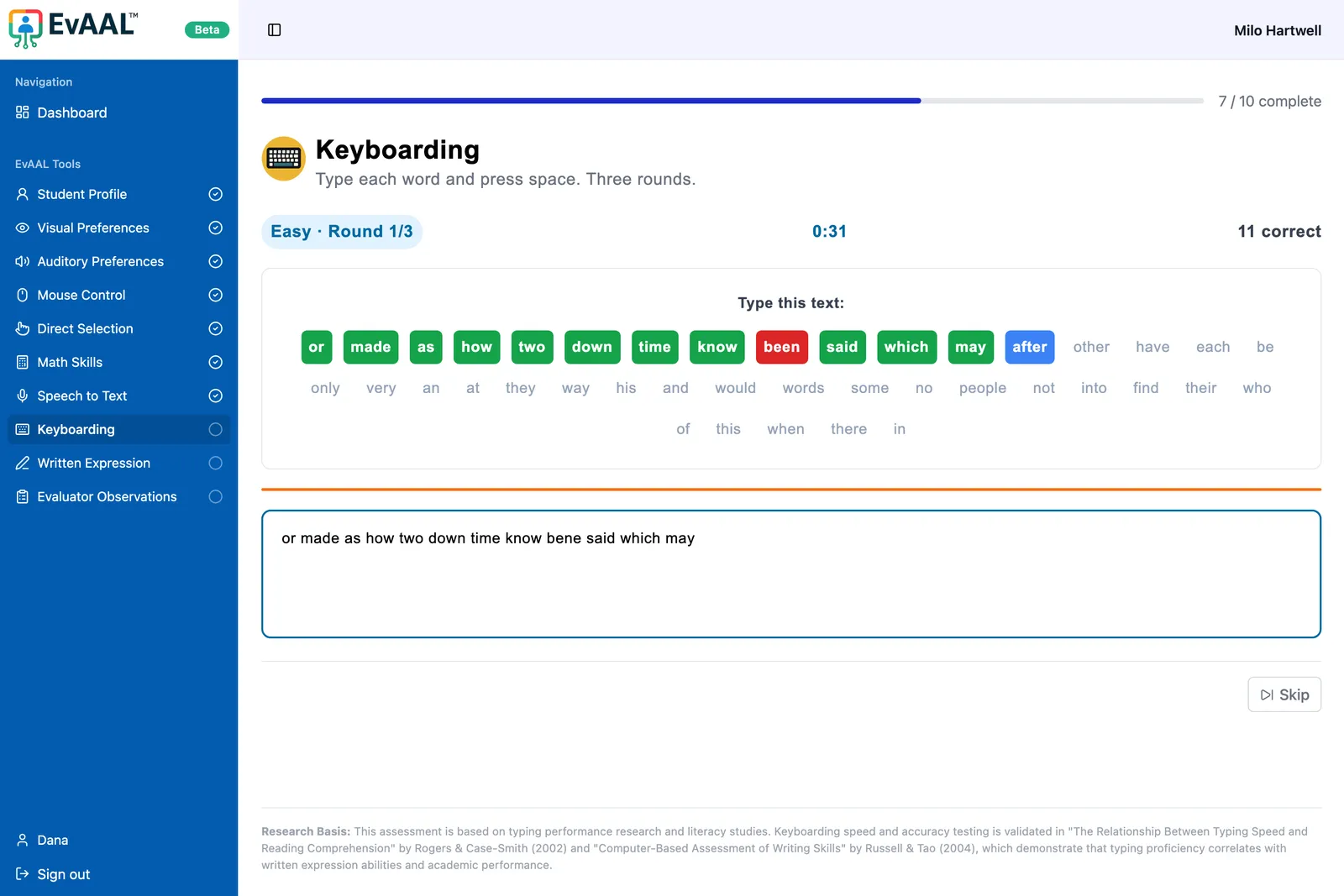
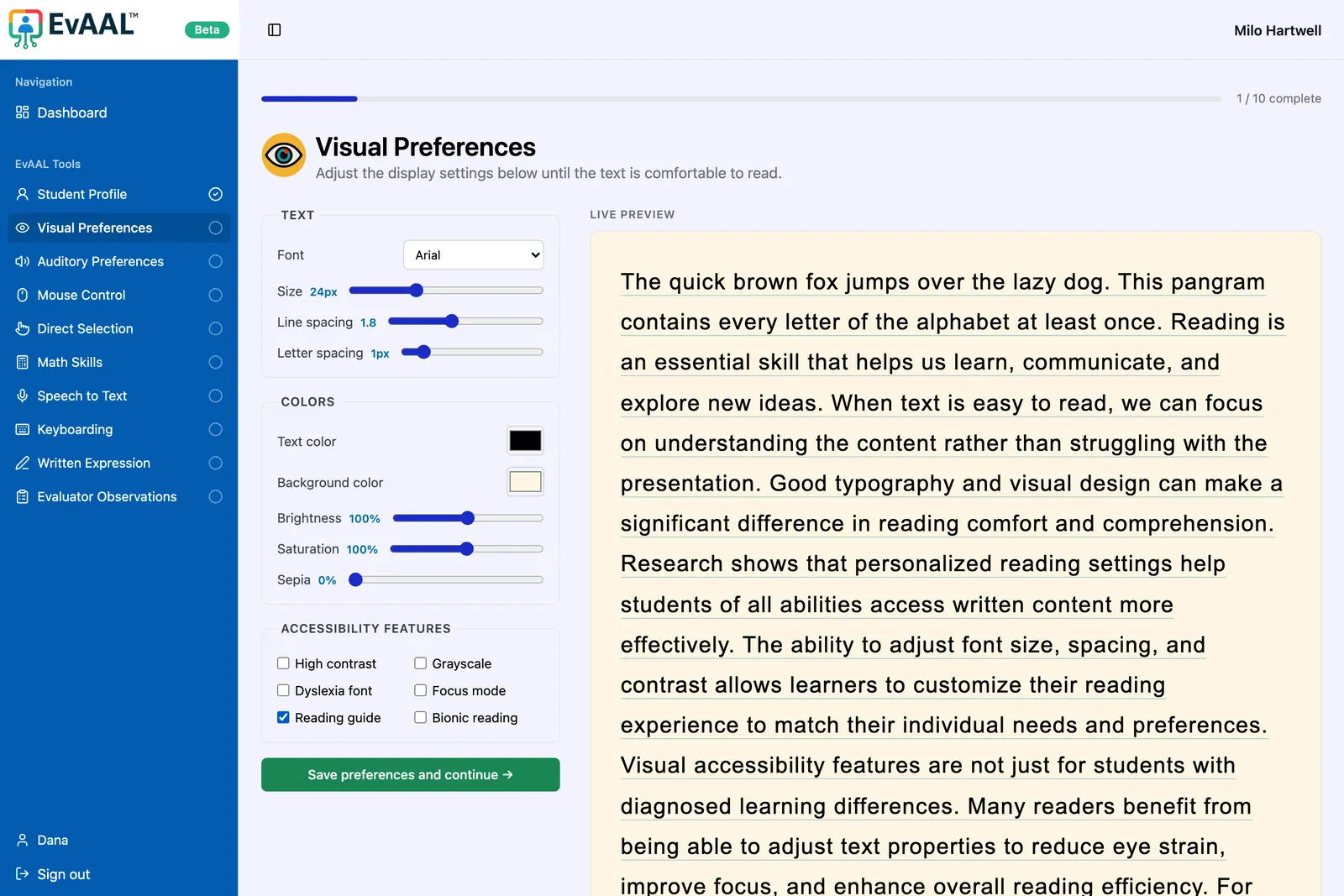
An assistive-technology tool has to be accessible itself. The new app meets WCAG 2.1 AA as a minimum: full keyboard support, screen-reader compatibility, and keyboard or switch alternatives for the canvas-based tests. Text-to-speech uses the device's built-in voices. An accessibility panel lets every visitor switch to dark mode, enlarge text or use a dyslexia-friendly font, and automated accessibility tests run on every change.
Keeping what worked
A rebuild shouldn't throw away what already works. Student results stay encrypted at rest with
the same AES-256 approach the old app used. Every old WordPress page address permanently
redirects to its new home, so links and search rankings carry over, and old wp-admin and wp-login probes land somewhere harmless.
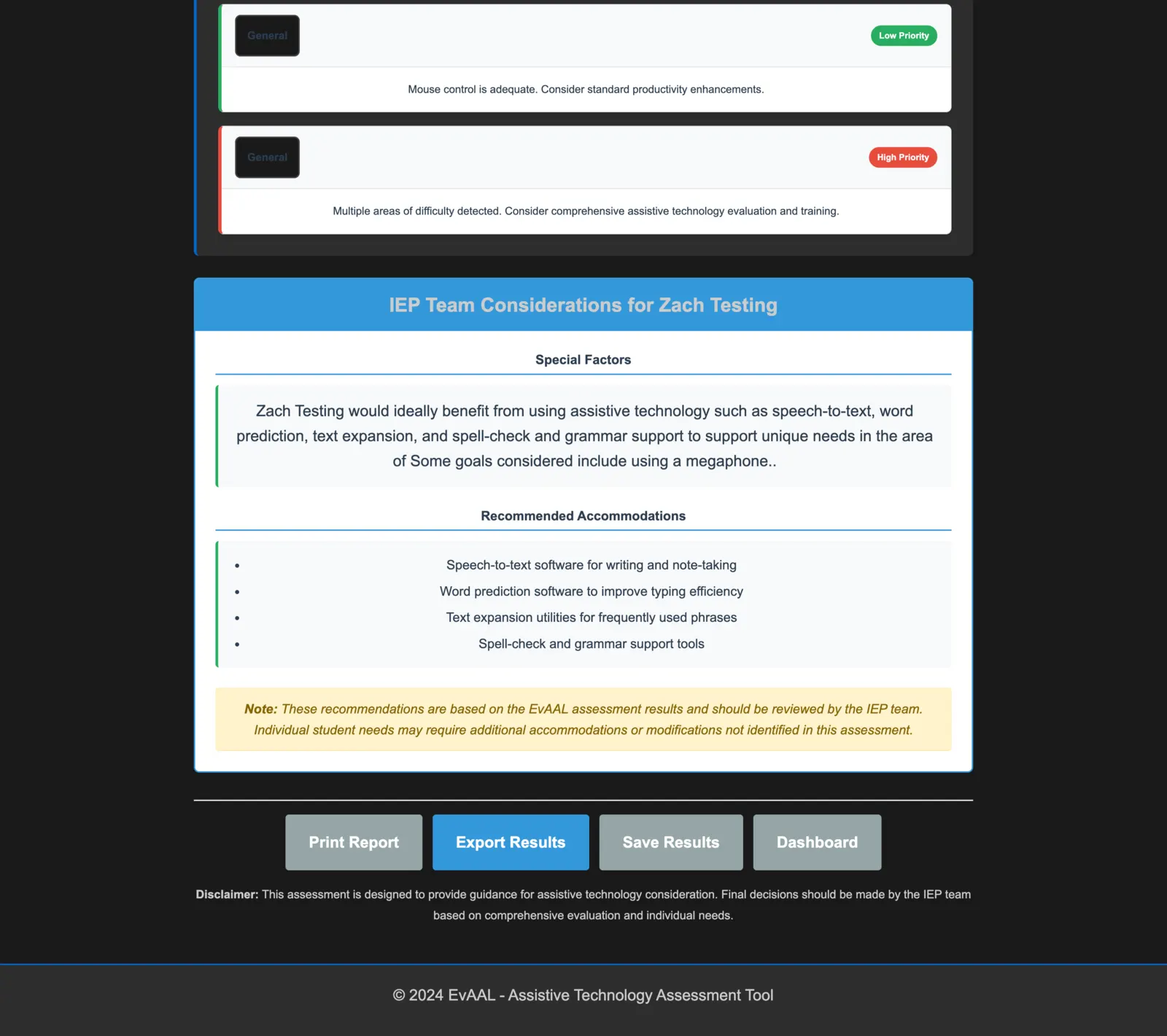
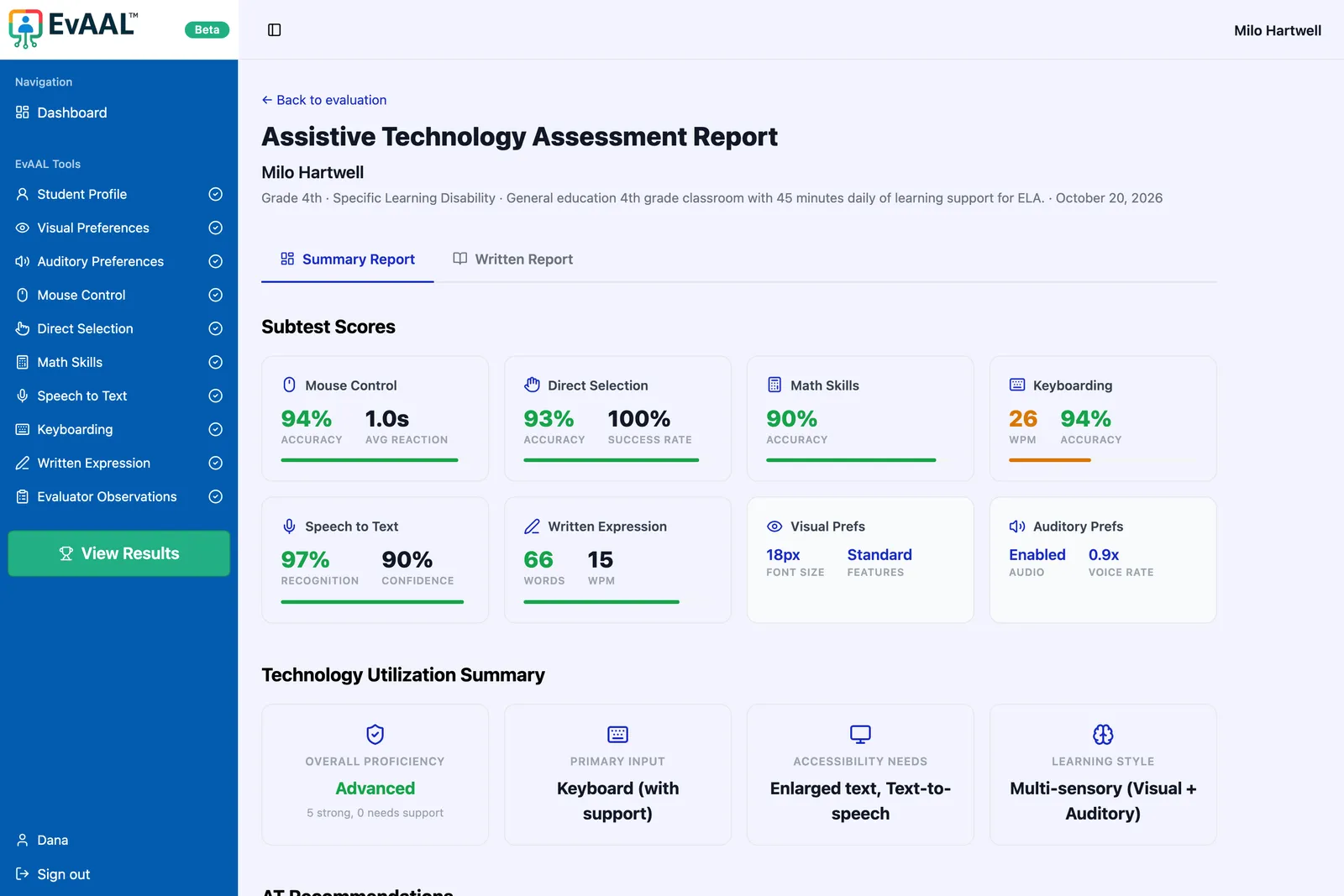
Side by side
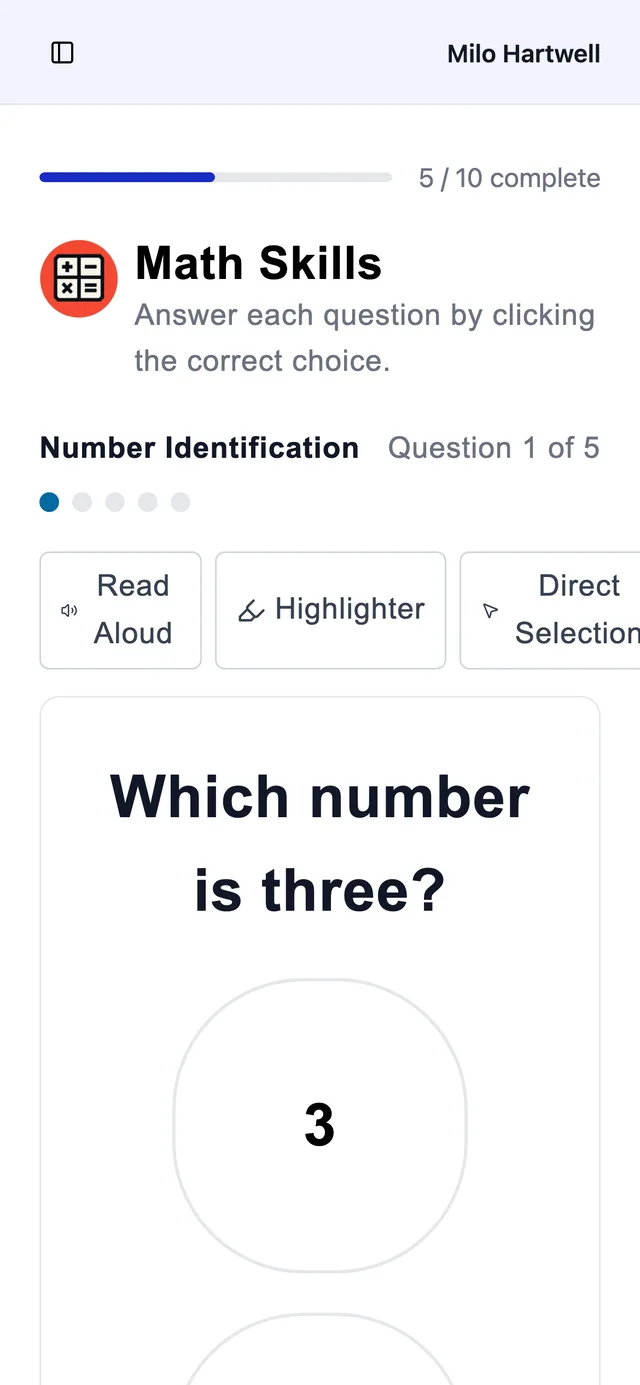
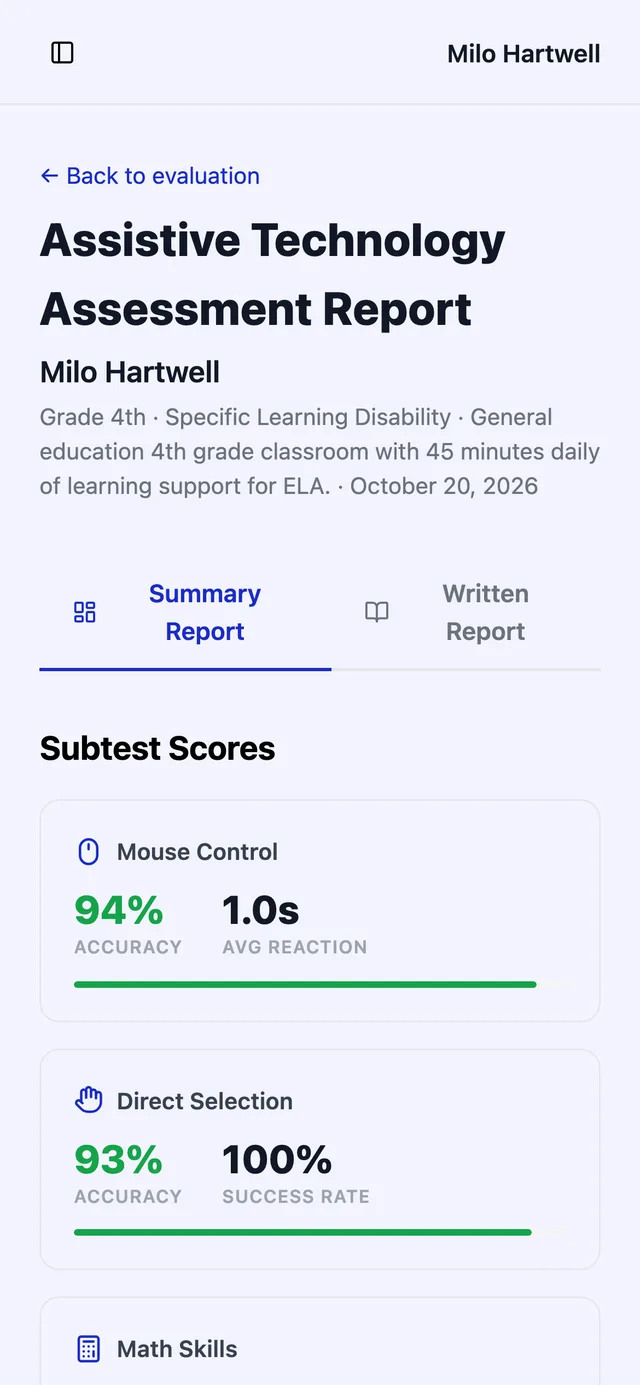
The same subtests, before and after. The new versions are built to be seen clearly, used with any input device, and trusted by the IEP teams reading the results.
Handing over the keys
The goal wasn't just a new app. It was a client who can run it without calling a developer for every change.
Claude Code, set up for the client
A plain-language guide walks Dr. Dunn through Claude Pro and the VS Code extension, so she can make changes by describing them.
Guardrails, written down
The project's agent instructions spell out what's safe to change alone (copy, colors, images) and what to check with us first (scoring, the database, sign-in, payments).
Test before it's live
Every change goes to the staging site first and is published only after a check, with one-click rollback if something slips through.
Docs for the dashboards
Step-by-step guides cover the Stripe, Supabase and email setups, plus a go-live checklist.
Results
- Two systems replaced by one app, one codebase and one deploy
- Accessibility and best-practices scores of 100 on the live site
- The homepage's main content appears in 1.0 seconds on desktop, down from 2.3 (new build measured before launch)
- Live since May 2026, maintained by the client with AI agents
| Run | Performance | Accessibility | Best practices | SEO |
|---|---|---|---|---|
| Desktop, old site | 84 | 96 | 77 | 92 |
| Desktop, new build | 99 | 100 | 100 | 92 |
| Mobile, old site | 62 | 82 | 77 | 85 |
| Mobile, new live site | 82 | 100 | 100 | 100 |
★★★★★
Zach truly brought our project to life. He is very detail-oriented, thorough, and professional throughout the entire process. He carefully checked multiple systems and consistently went above and beyond to ensure everything was done right. Highly recommend!